
Start with one touch and a catch
Hold the ball in front of you, drop it toward your foot and lift it gently with the instep. Catch the return. Repeat until the touch stays close enough that you do not have to chase it. Aim for control rather than height.
Link two touches
After the first lift, let the ball fall toward your foot and make a second gentle contact before catching. Keep the knee relaxed and adjust the lift rather than swinging hard. When two feels comfortable, try three.
Bring in the other foot
Practice single touches with the other foot first. Then alternate between feet. A difficult attempt is still useful feedback: notice whether the ball is drifting sideways or the lift is sending it too far forward.
Use a bounce variation deliberately
Letting the ball bounce between touches can make a beginner drill easier. It is a different exercise from consecutive juggling. In Touches, ground contact should end an unbroken streak, so do not expect a bounce drill to produce one continuous streak.
Fix the common problems
If the ball flies forward, use a smaller movement and meet it closer to your body. If it drifts sideways, begin again with a drop and catch rather than chasing every attempt. When fatigue makes controlled touches harder, take a break.
Set up a phone without crowding the drill
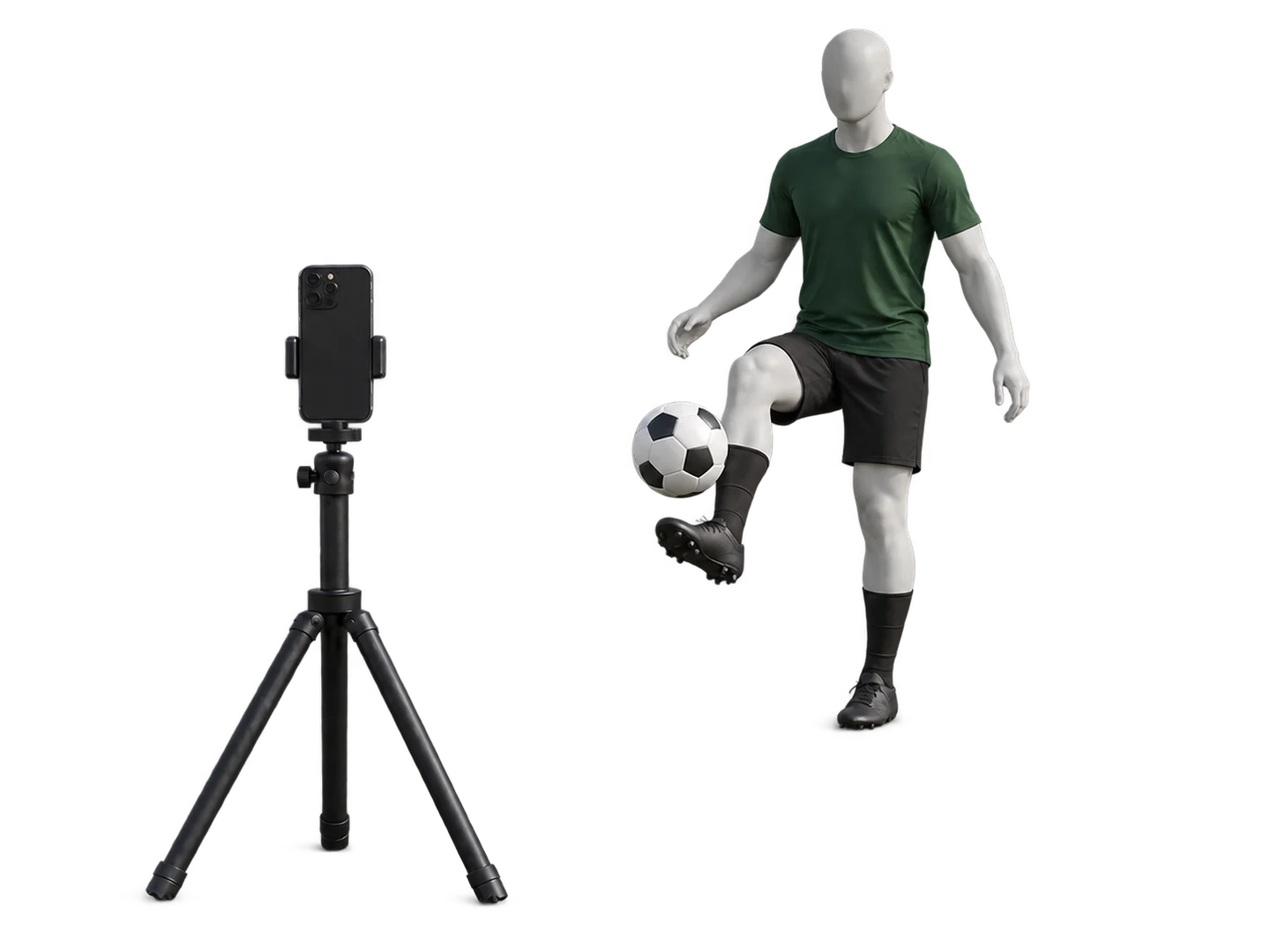
Place the front camera on stable support, use portrait and step back until your feet, headroom and ground fit. Keep the phone outside the ball’s route. The illustrated camera guide shows the setup.
Measure a small progression
Use your best streak as a baseline for this task. Try repeating a short streak with control before increasing the target. Juggling skill does not automatically transfer to every receiving situation; the research guide explains that distinction.
Count your touches with Touches for iPhone.
Juggling and wall pass counting, personal bests and practice streaks.