Count juggles while you focus on the ball
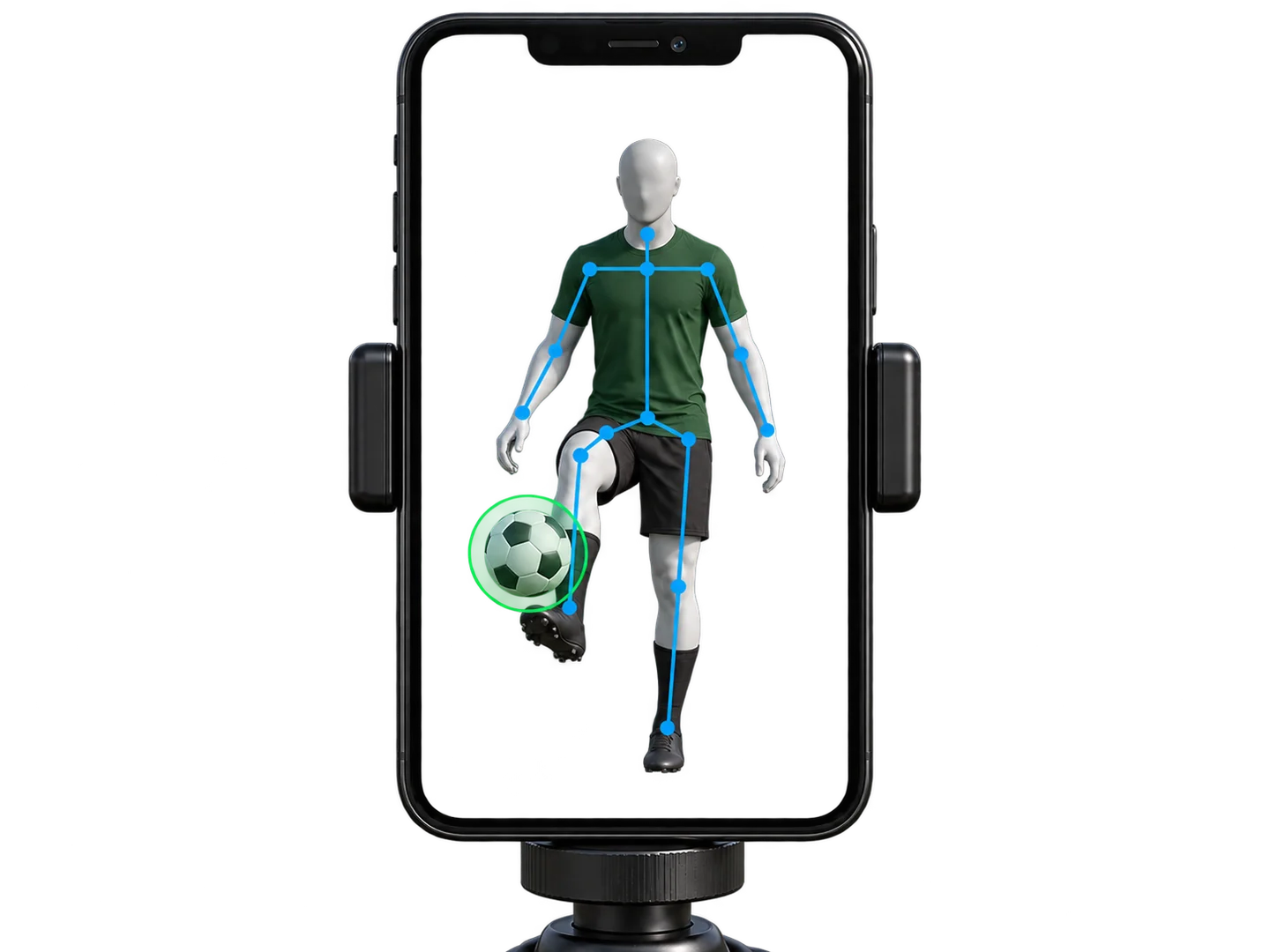
Keeping a mental count gets harder when you’re trying to balance, use the other foot or recover a loose touch. Touches uses the front camera to follow the ball and body landmarks, then interprets movement over time to identify likely contacts. Your live count stays over the camera view.
This is camera-based estimation. Clear framing and light help; an obscured contact or ambiguous movement can be missed. The green ball marker confirms detection, not that every contact has been counted correctly.
Track consecutive juggles and personal bests
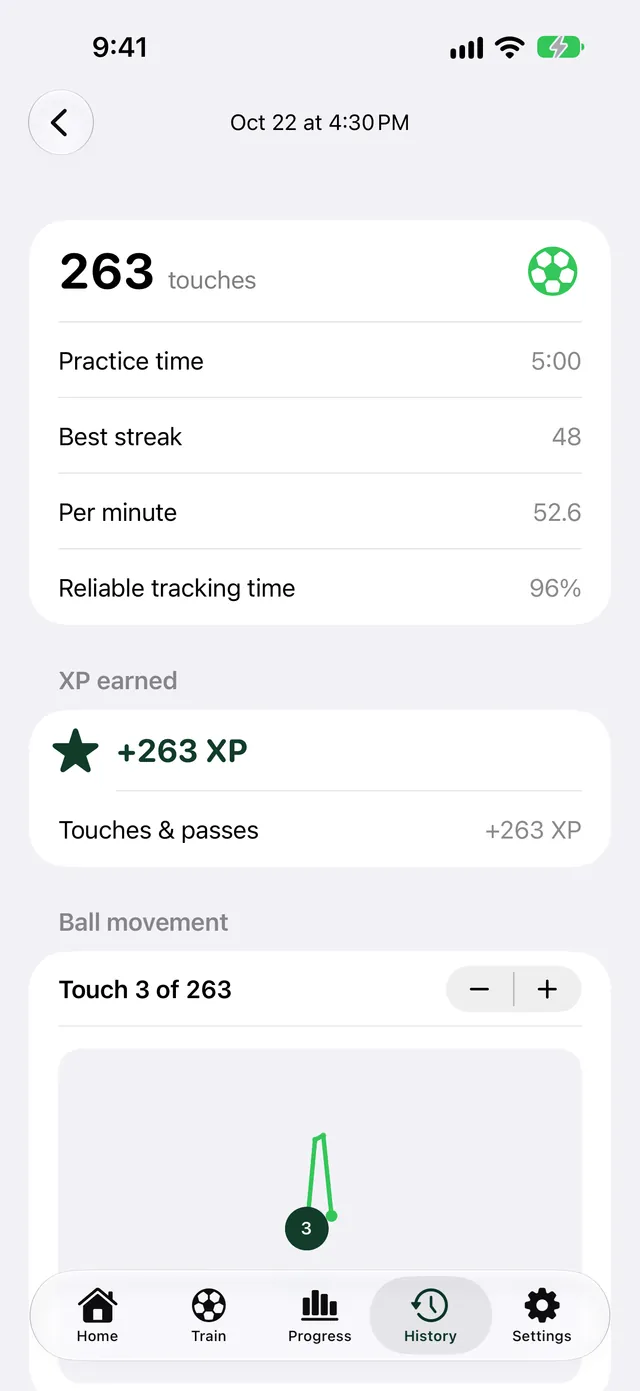
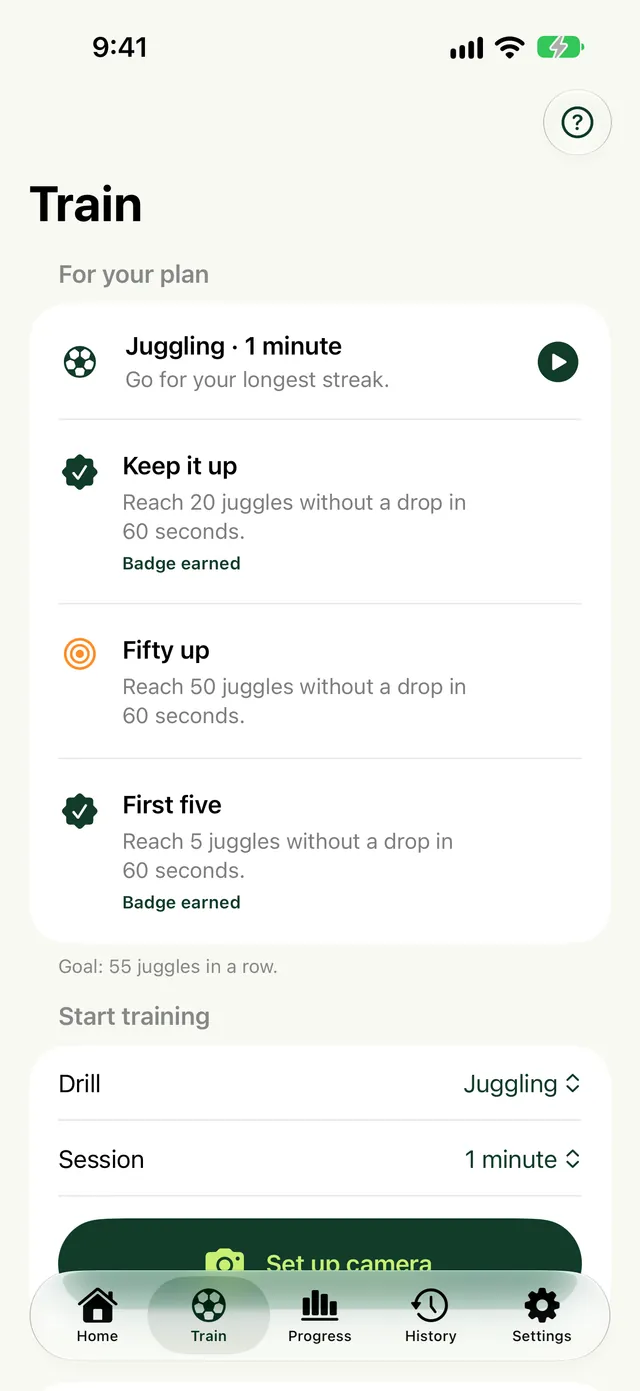
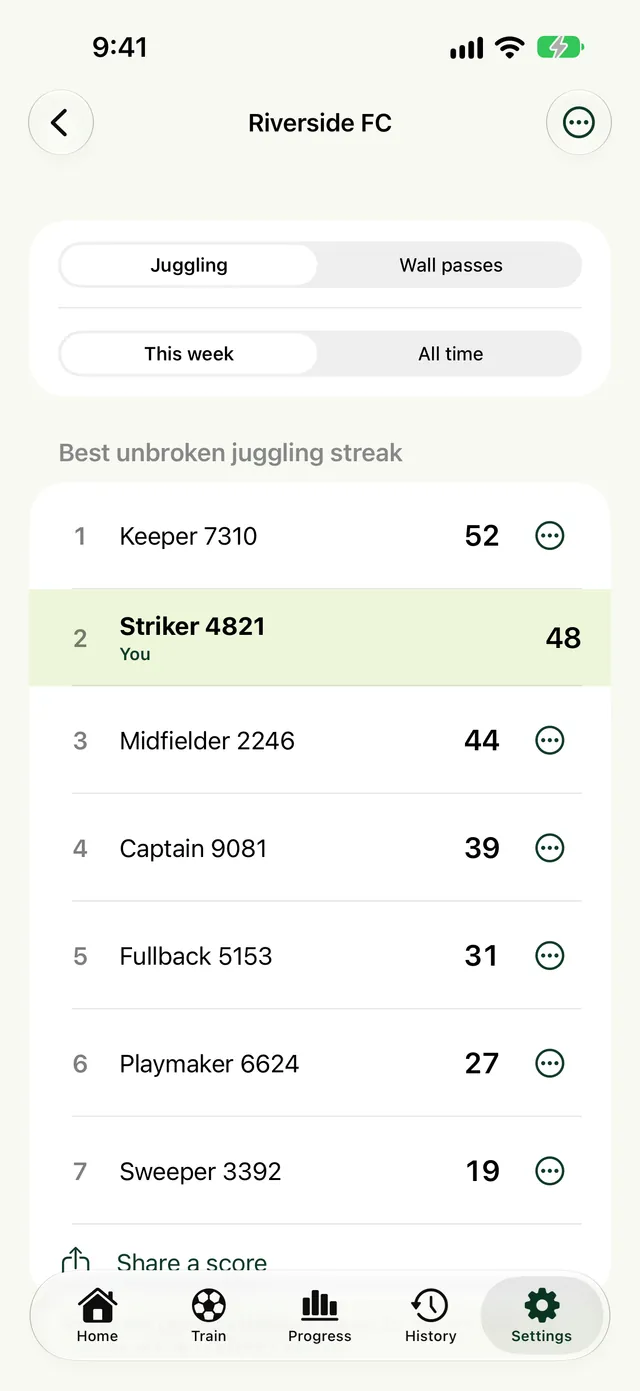
The current streak follows consecutive juggles without a ground contact. Total contacts describe the session, while the best streak describes your longest run. A drop should reset the current streak without ending the entire session. Start again with the next attempt.
For useful comparisons, keep your drill and setup similar. A session done with hand catches is different from an uninterrupted streak. Camera-session personal bests use the app’s eligibility rules; a manual log does not establish a camera-counted record.
Set up your camera for juggling
Use portrait orientation and the front camera. Put the phone on stable support around knee height, with its screen toward you and outside the ball’s route. Start several paces away, then check that your feet, ground and the ball’s highest point fit.
The suggested starting distance is 6–10 feet (2–3 metres). That is a setup starting point, not a counting rule. Your height, ball trajectory and camera view determine whether you need more room. Moving naturally is fine as long as your contacts remain visible.
What happens when the ball touches the ground?
A ground bounce is not a valid unbroken juggle. The app combines ball movement with its floor estimate and body landmarks to distinguish a foot contact from a ground contact. Keeping one planted foot visible helps the estimate.
We keep improving how ground bounces are read. If a bounce is counted as a touch, review the attention message and check the visible feet and floor. A Touches count is a practice estimate, not a certified skill assessment.
Start with one clean touch
Drop the ball, lift it gently with the instep, then catch it. Repeat before linking two touches. If you use a bounce-between-touches learning drill, treat each attempt separately rather than as an unbroken streak.
Keep the ball near you instead of chasing height. Add the other foot gradually. Our beginner soccer juggling guide explains the progression and common problems.
Review a session without saving footage
Saved sessions contain counts, duration and other session statistics. Optional ball paths show ball positions over time; they are not video replays and do not preserve a player image. Touches has no accounts: your history stays on your iPhone and in your own iCloud.
Use the record to choose a manageable next goal. A higher streak demonstrates progress at juggling; it does not by itself establish better passing, decision-making or match performance.
Count your touches with Touches for iPhone.
Juggling and wall pass counting, personal bests and practice streaks.