
Email us
support@touches.pitch-planner.app
Tell us your iPhone model, iOS version and app version (Settings → About). Please never send passwords or card numbers.
Answers about camera counting, membership, Clubs and your data. Support is by email.
support@touches.pitch-planner.app
Tell us your iPhone model, iOS version and app version (Settings → About). Please never send passwords or card numbers.
Report the score or block the player from the Club board. Our team reviews every report and acts within 24 hours.
There’s no account to manage. Settings → Delete all my data clears your iPhone, your Touches data in iCloud and our server.
Make sure the timer is running. Open the attention indicator on the practice screen and read its message. For wall passes, the whole route out to the wall and back must be in view. For juggling, keep your feet and the ground near them in view. The camera setup guide shows the best positions.
A ground bounce should end a juggling streak. Keep the floor near your feet in view and stand with a planted foot for a moment before you start so the app can find the ground. If it keeps happening, email us with your iPhone model, app version and the drill you were doing.
Memberships are managed by Apple. On your iPhone, open Settings, tap your name, then Subscriptions, then Touches. Cancel at least 24 hours before your renewal date to avoid the next charge. Refunds are handled by Apple at reportaproblem.apple.com.
Sign in to the same Apple Account, then open Touches and go to Settings → Membership → Restore purchases.
No. Touches has no accounts, sign-up or age question. Your progress is stored on your iPhone and syncs through your own iCloud, so it follows you to a new iPhone signed in to the same Apple Account.
In the app, go to Settings and choose Delete all my data. It clears your practice history on this iPhone, your Touches data in iCloud, and your Club memberships, shared scores and device record on our server. It doesn’t cancel an Apple subscription; cancel that in your Apple Account settings.
Swipe a session in History to delete it. In Settings you can export a copy of your history. Your practice history stays on your iPhone and in your own iCloud; we can’t see it.
Our team sets up each Club and gives its organizer a code. Enter the code in the app to join. You appear under an anonymous name like Striker 4821, and only the scores you choose to share are shown. There’s no chat, typed names or photos.
Report a score or block a player from the Club board, or email us. Our team reviews reports and acts within 24 hours.
Most requests are quickest in the app: leave a Club, or use Delete all my data in Settings. You can also email support@touches.pitch-planner.app. See the privacy policy for what we hold and for how long.
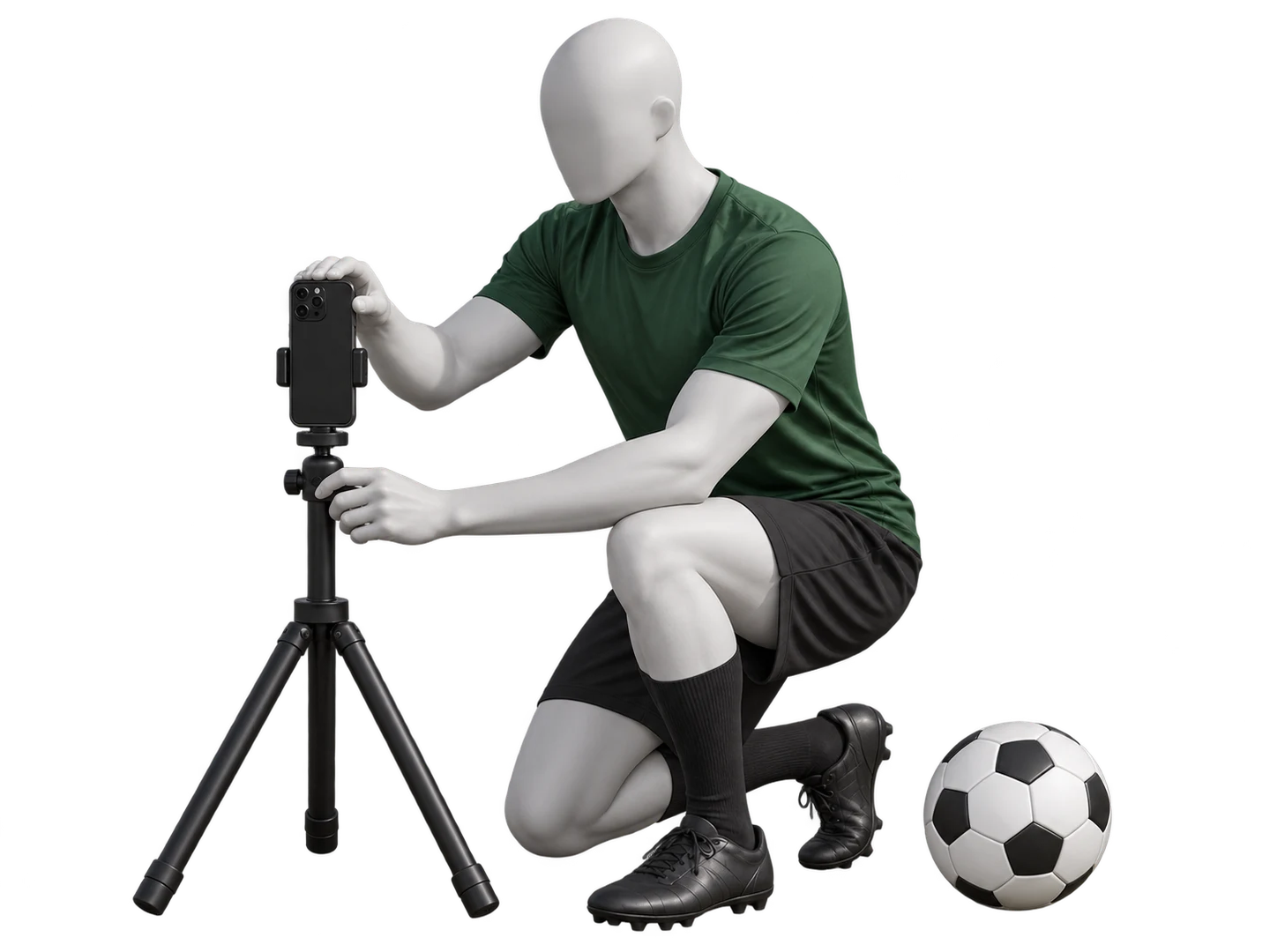
Phone height, orientation and space around the ball make the biggest difference to the count.
Camera setup guideFor privacy requests or anything else. Read the privacy policy and terms of use.