Choose juggling or wall passes
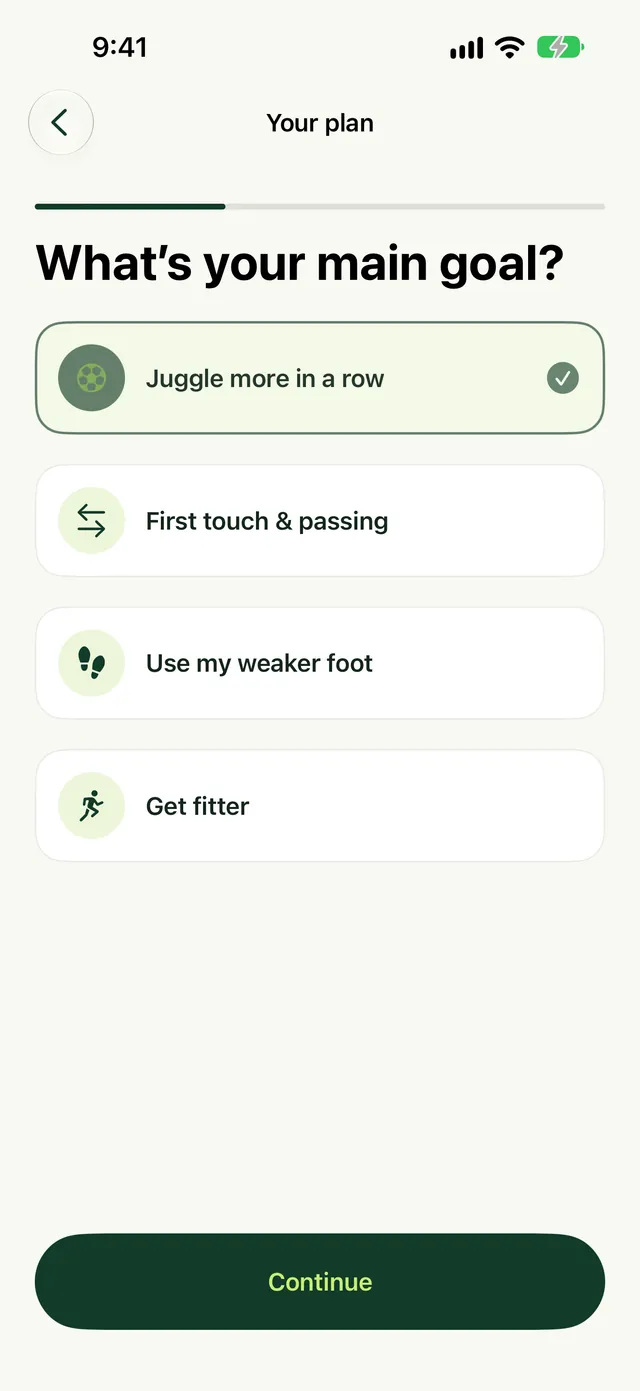
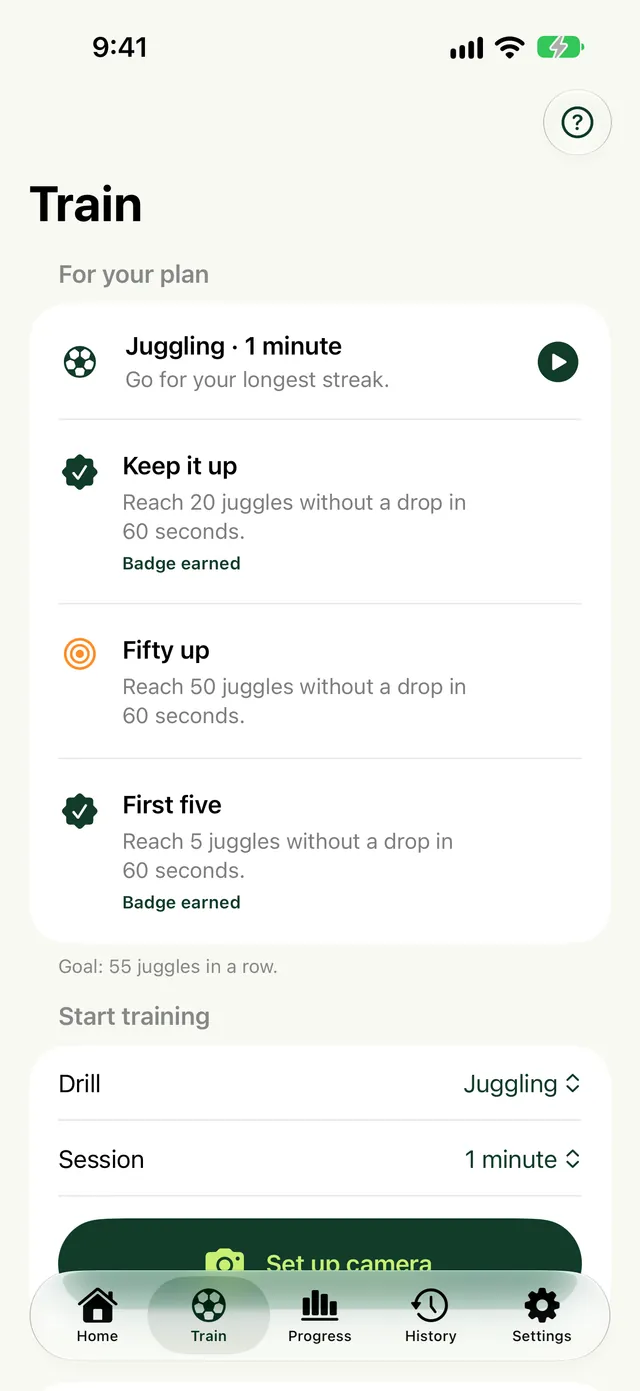
Juggling uses portrait; wall passing uses landscape. Select a practice session or supported challenge, position the phone and check the live view before starting.
Find the ball and interpret its movement
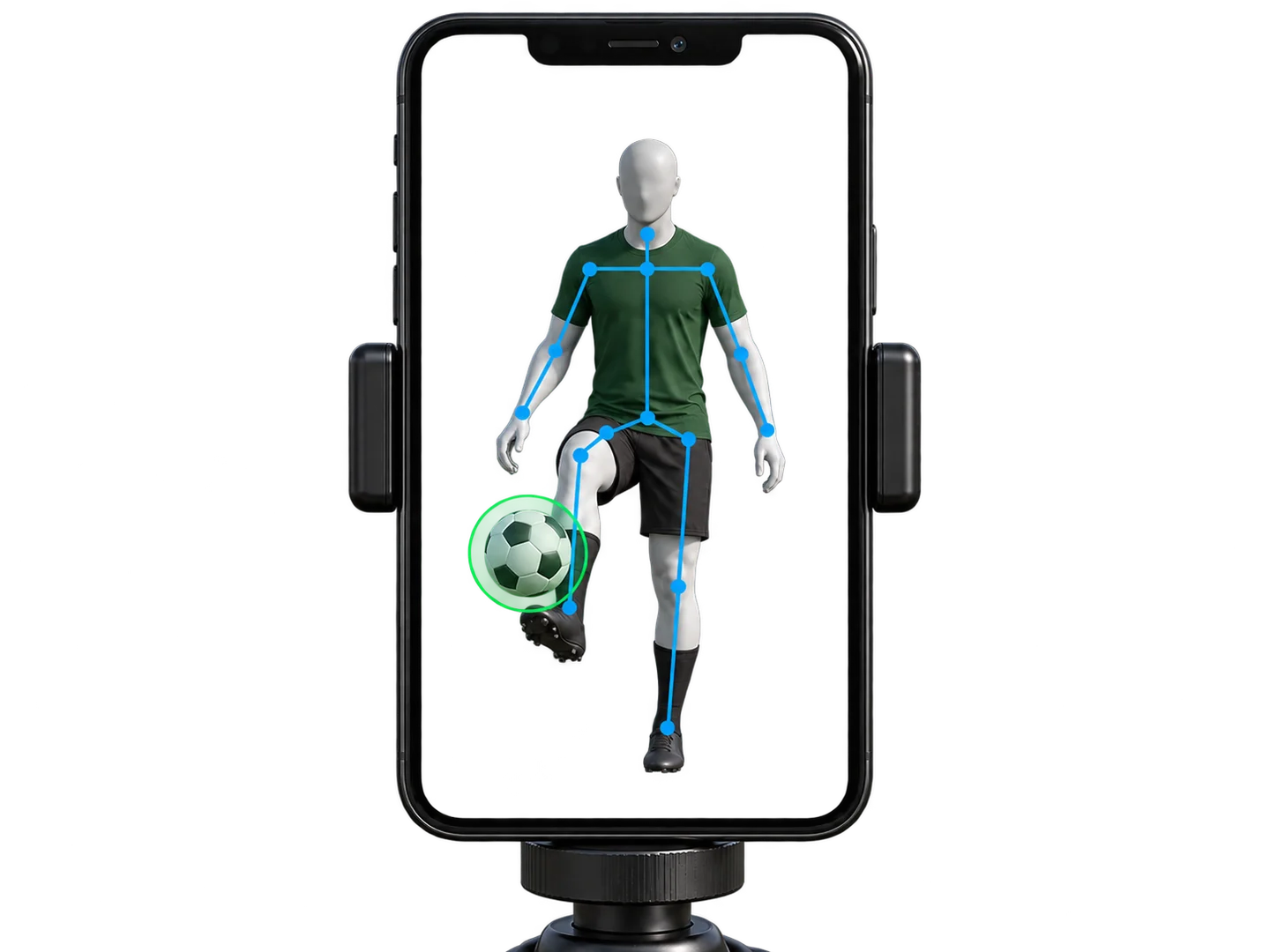
A detector locates the ball. Body landmarks help interpret contacts, positioning and the floor. Movement rules look at observations across several frames to identify a juggle or a completed pass cycle. The body overlay is helpful feedback; it is not a recording.
Check readiness before increasing pace
The green marker should follow your ball. The blue landmarks should align with visible body joints. Tap the attention indicator when something needs attention. A ball-detection confidence value is not a count-accuracy score.
Save the result, not the footage
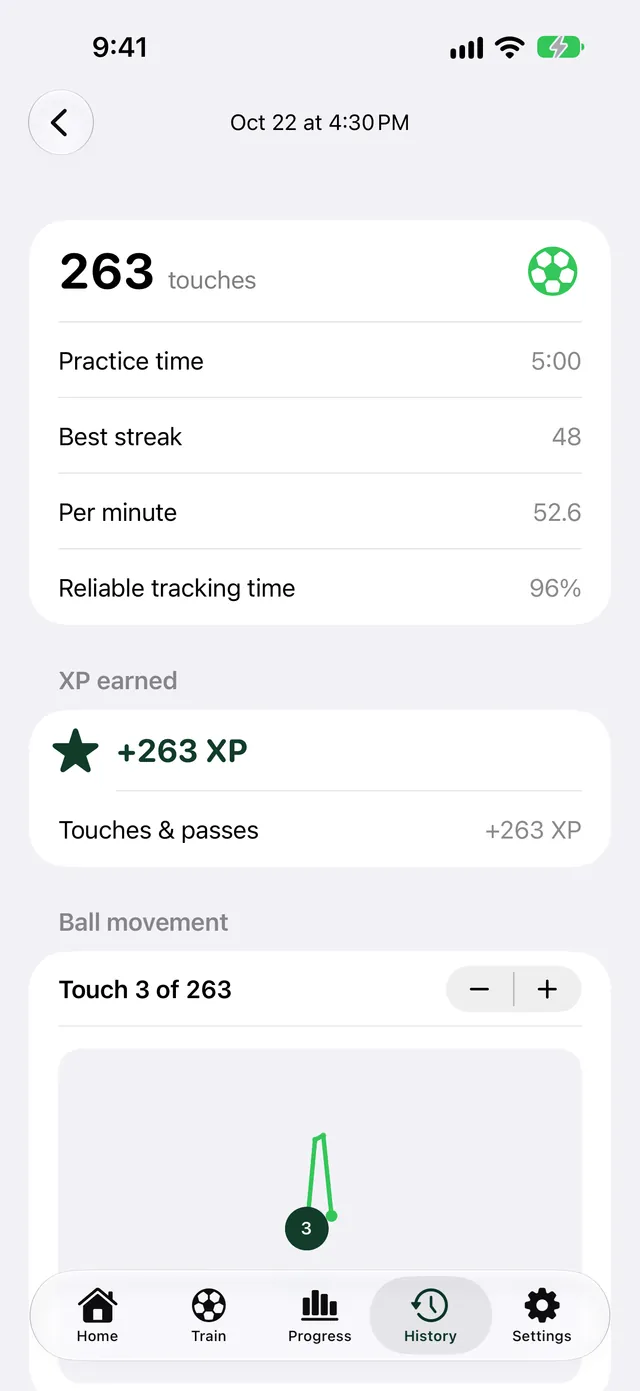
Camera frames are processed on the iPhone and discarded. Saved records contain statistics and optional ball paths. Body coordinates and player images are not saved. You can discard a session instead of keeping it.
Understand the current limits
Lighting, blur, occlusion and missing contact observations can affect counts. Ground resets and rapid wall passes are the hardest moments to count, and we keep testing them on real practice sessions. This site does not claim a measured counting-accuracy percentage.
Count your touches with Touches for iPhone.
Juggling and wall pass counting, personal bests and practice streaks.