
Place your phone
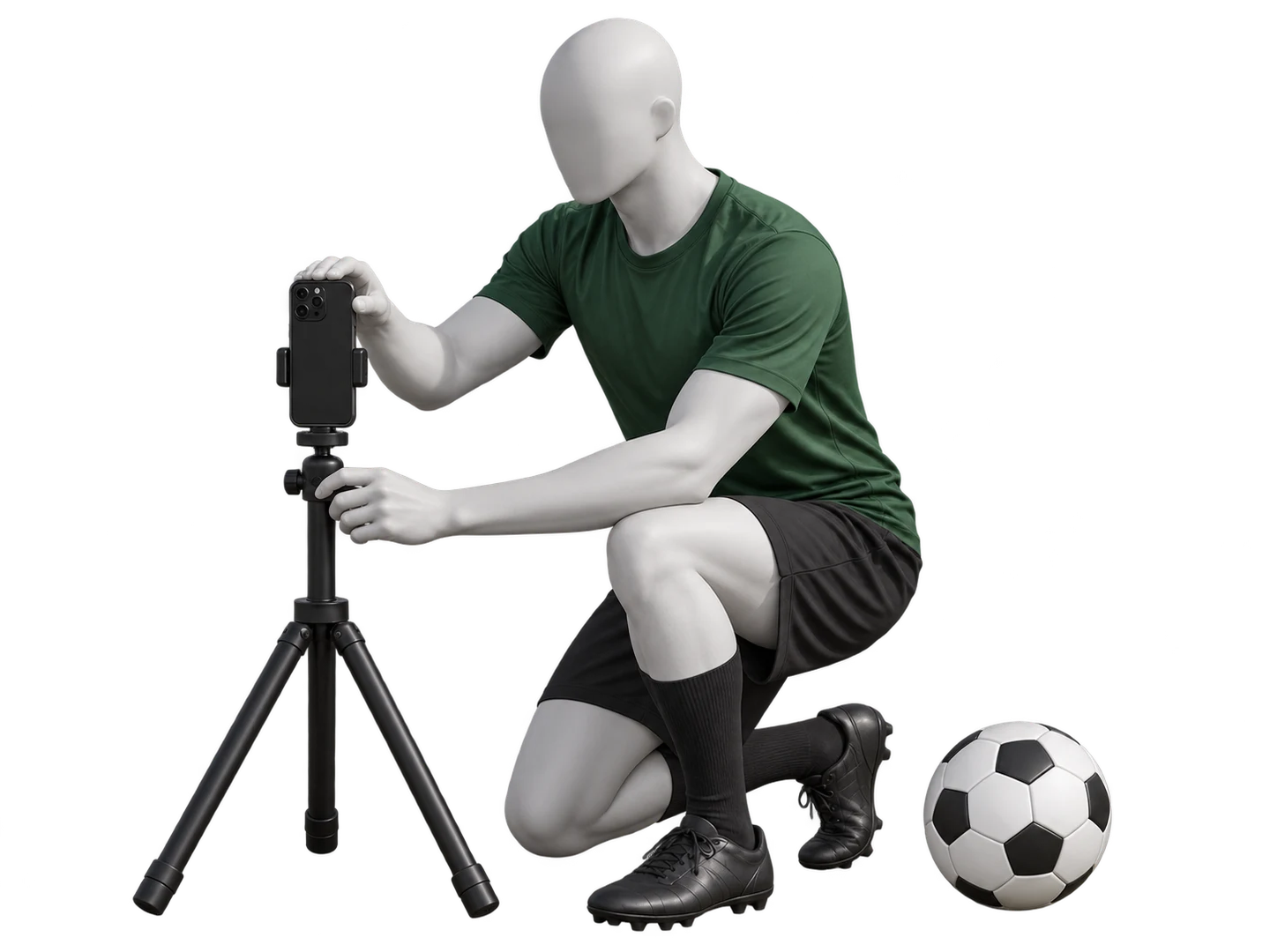
Use portrait for juggling and landscape for wall passes. Place the phone on stable support around knee height, with the screen facing your practice area. Keep it outside the ball’s route.
Give yourself room
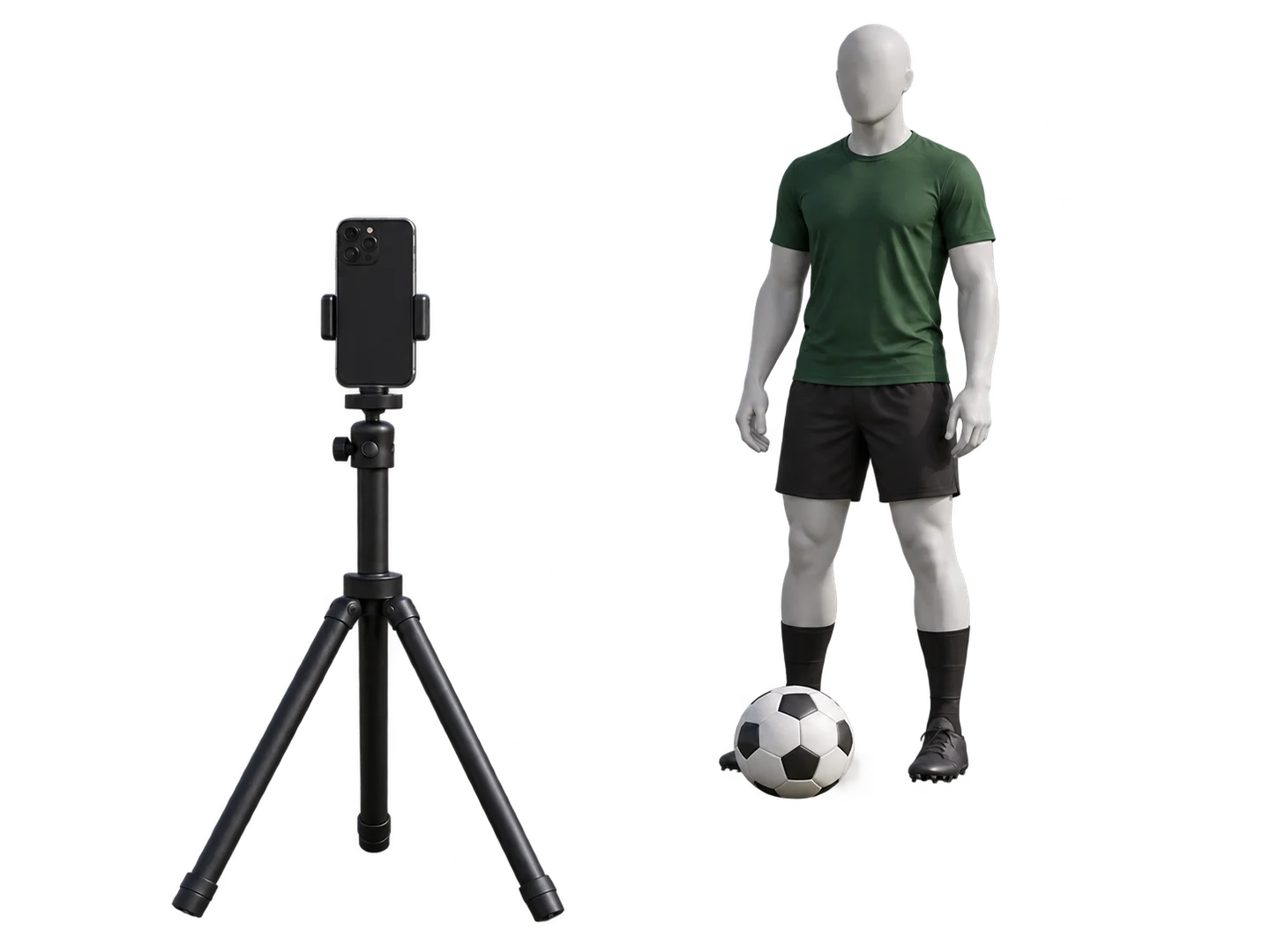
For juggling, start 6–10 feet (2–3 m) away, then adjust until your feet, ground and the ball’s highest point fit. For passes, show your lower legs and the entire route to the wall or board.
Ready to juggle
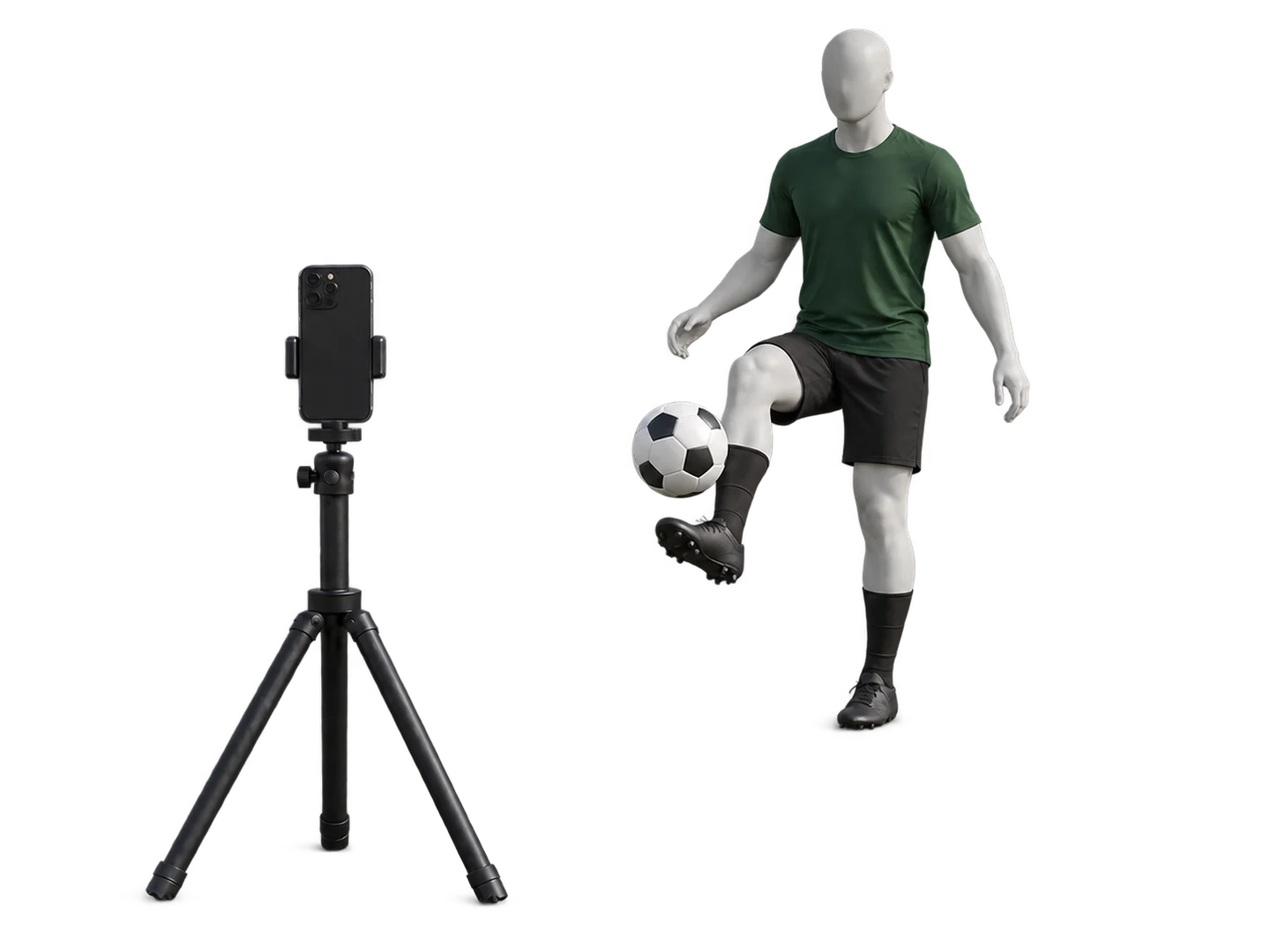
Keep both feet visible and stand briefly with a planted foot so the app can estimate the floor. Leave room above your head for higher touches. Keep the phone fixed during the drill.
Ready to pass
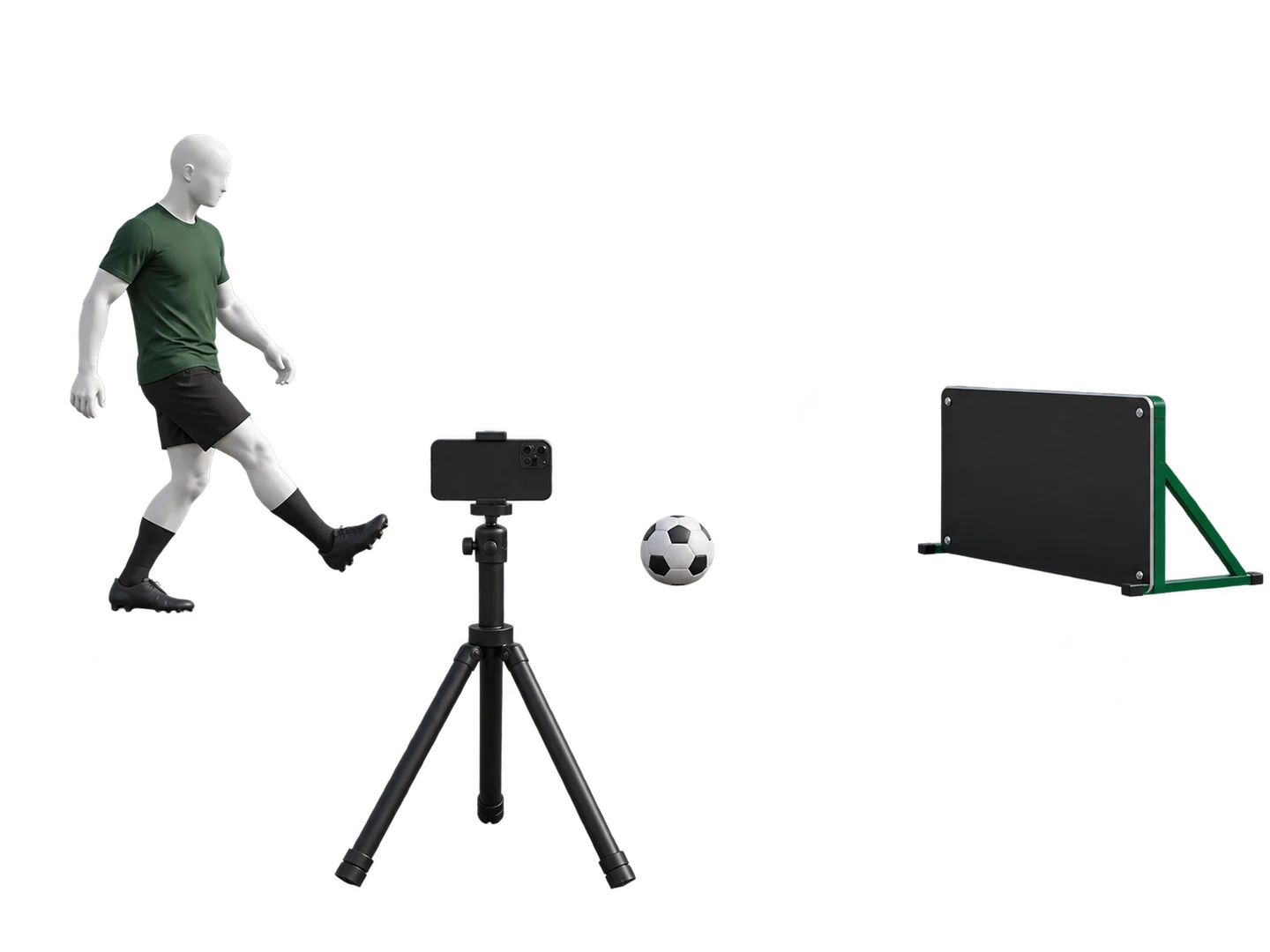
Put the landscape phone beside the passing lane. The ball should move mostly across the screen. Frame the kick, the board turnaround and the return. Your upper body can be cropped.
Check the tracking
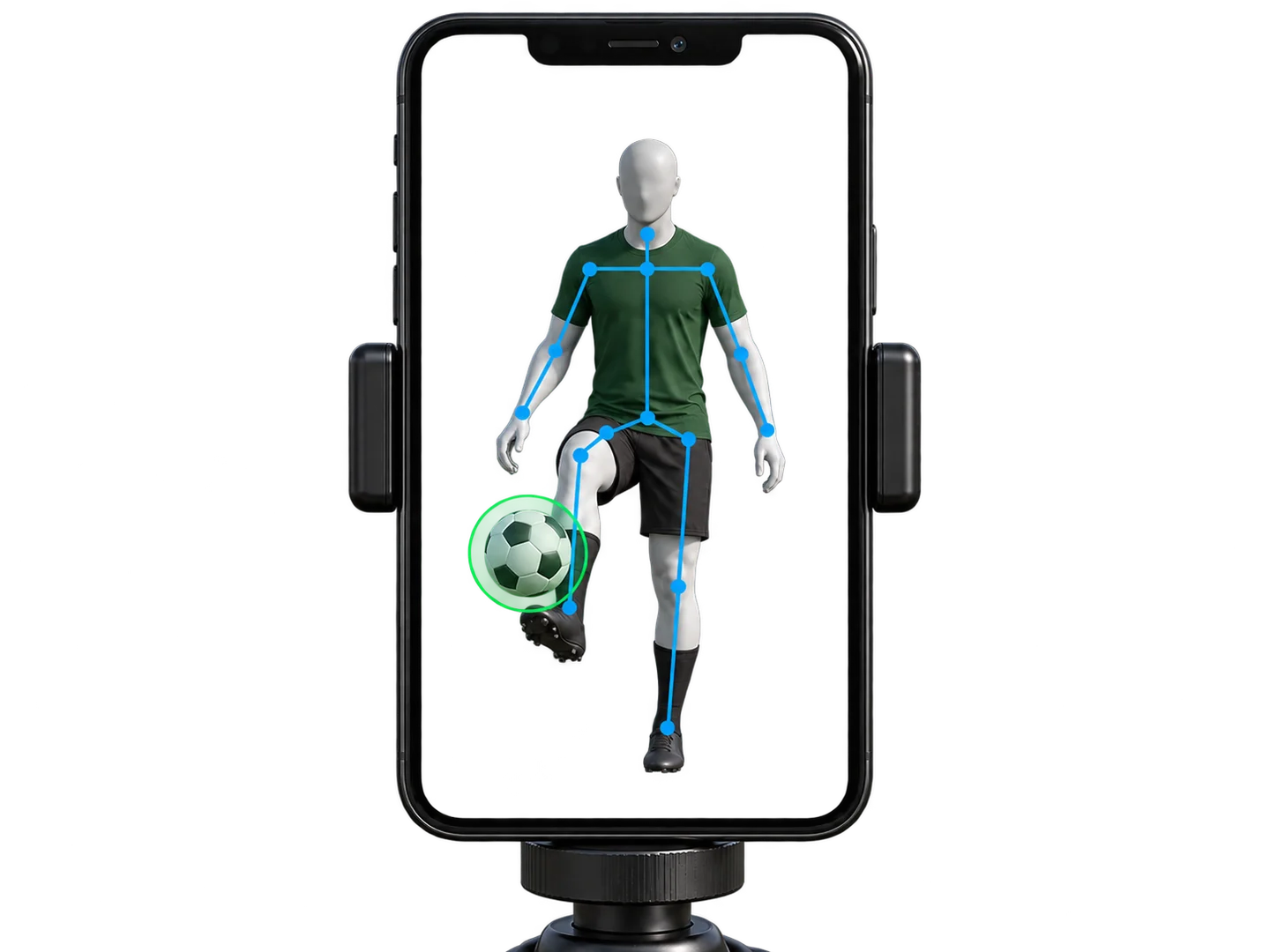
The green circle should follow the ball; blue landmarks should follow your visible joints. These indicators show detection, not a guarantee that every contact is counted. Tap the attention icon when something needs attention.
Bring the ball back into view
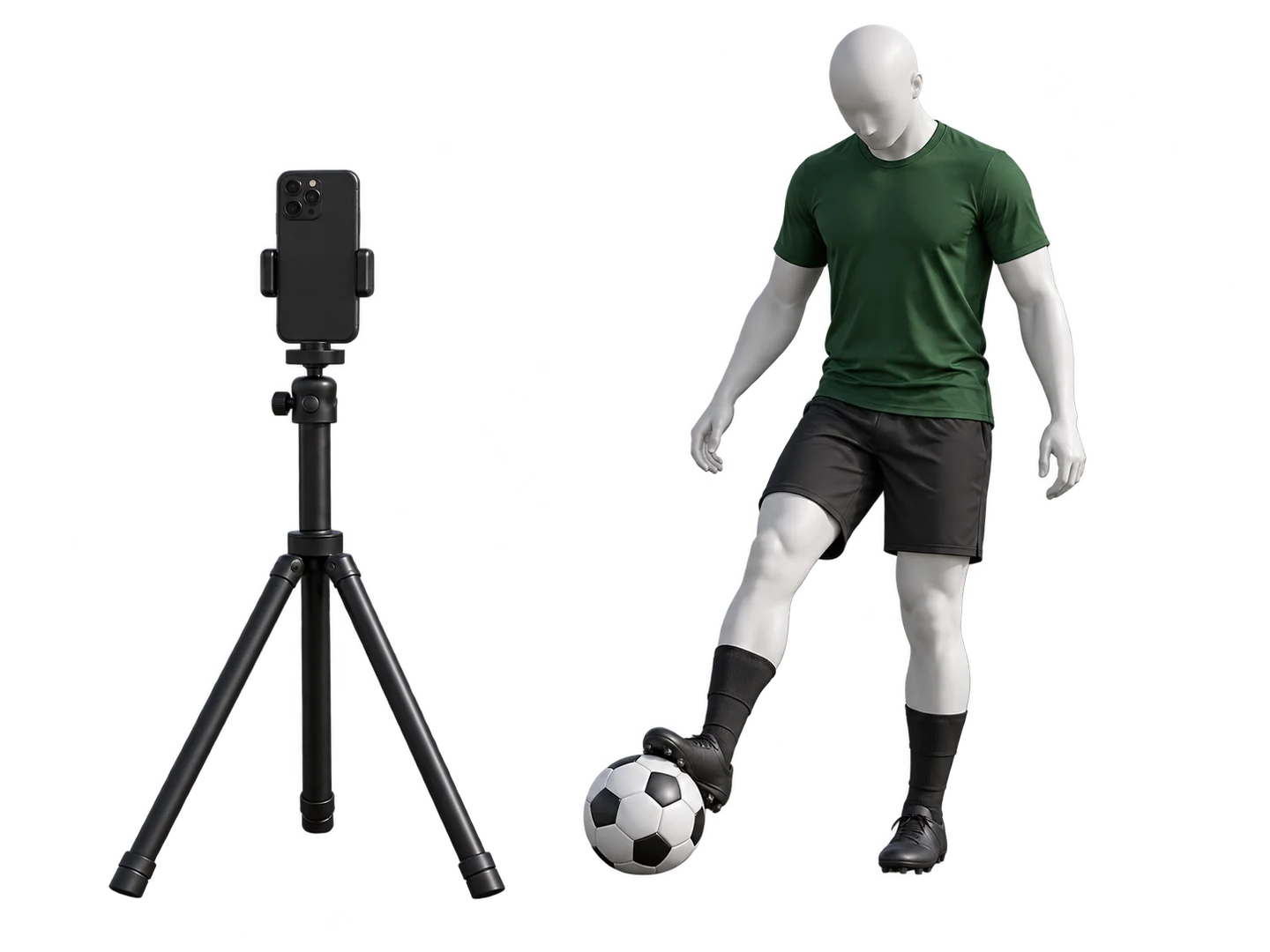
Move naturally to reach the ball. Return it to the visible practice area before restarting. If contacts are missed, check framing and light, then try a few controlled attempts.
Wear suitable shoes for your surface: tennis shoes indoors and cleats on appropriate outdoor grass. The illustrations demonstrate positioning; they are not photos of actual app tests.